For Klipper printers
Your printer tells you what it needs, in one sentence.
A touchscreen and phone app for the person printing, not the person tuning. It warms up, swaps spools and asks when it needs you. Mainsail stays one tap away.
Installing takes a computer with SSH. The install page shows how.
Free on your printer, no account. Signed releases, and one command takes it off again.
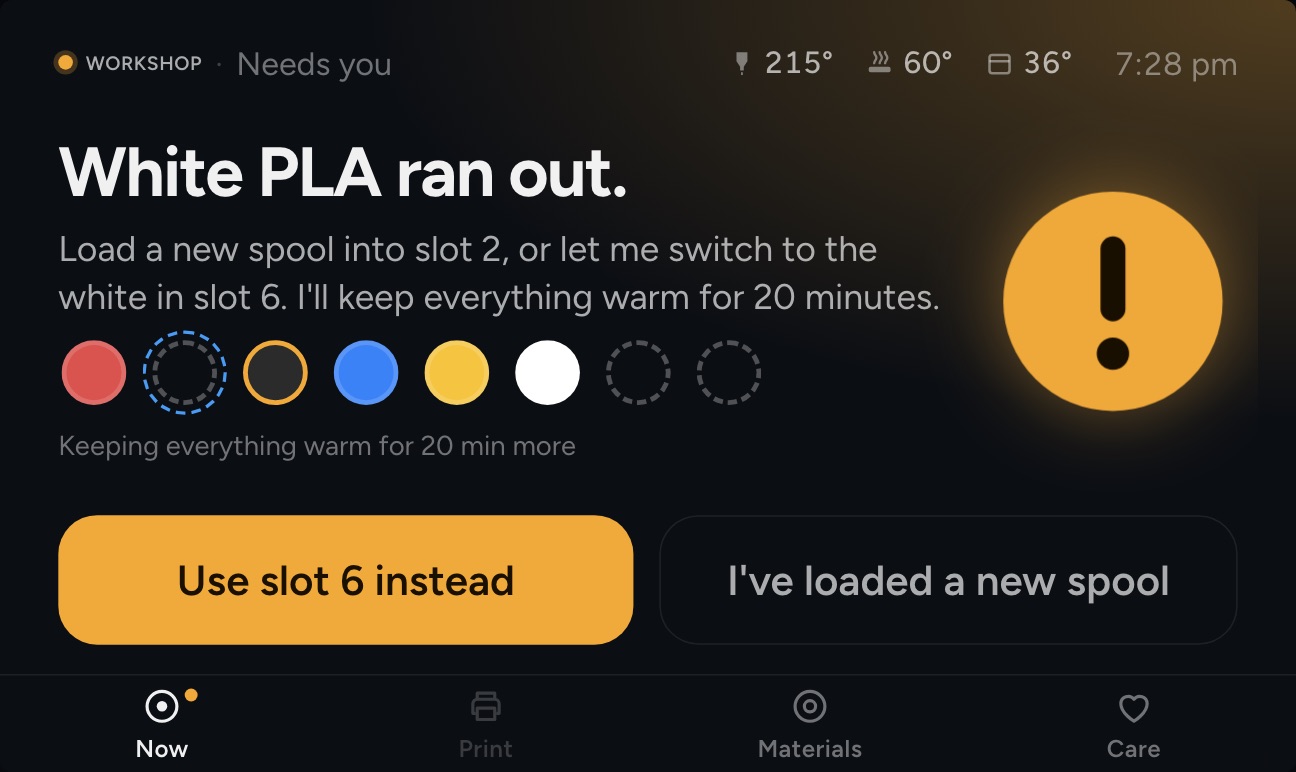
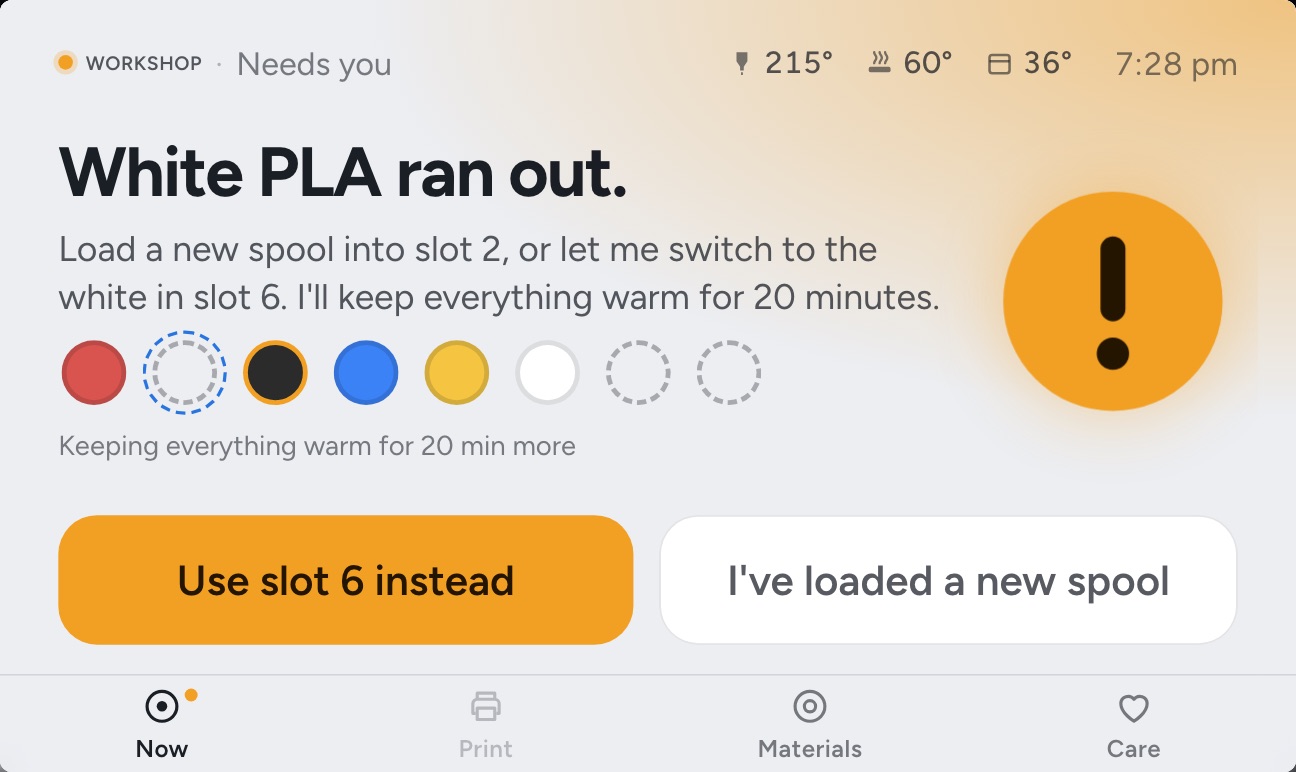
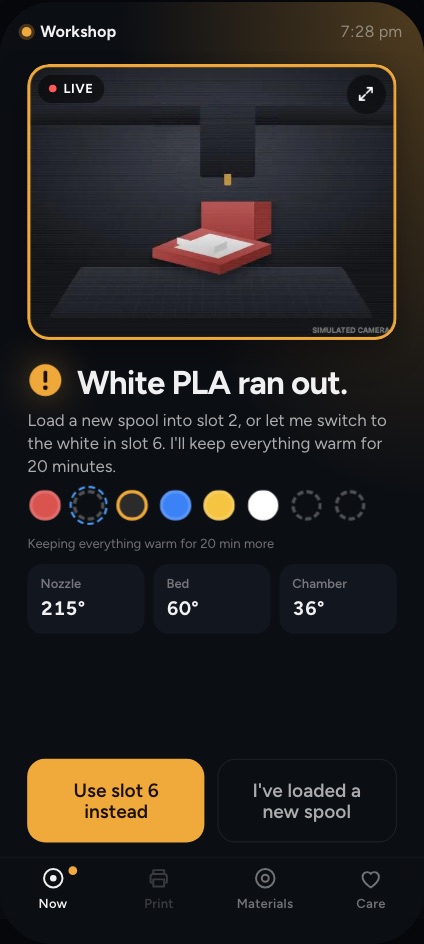
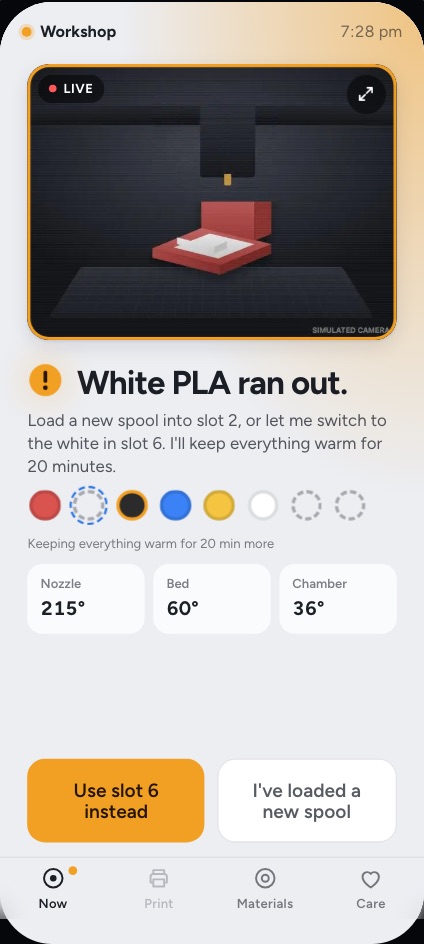
Try it live
The real screens, connected to a pretend printer running in your browser. Pick a moment and watch both react.
About 16 MB, a few seconds. Everything works except the actual plastic.
Put it on your printer
It already runs Klipper on a Pi
One command over SSH. It checks the printer first and asks once before it changes anything. Mainsail and your printer.cfg stay as they are.
The command, and will it work on mineA new Pi, or a fresh start
Flash a card, join its Wi-Fi from your phone, and bring your old printer's settings over.
A printer that can't run it
A Bench Box speaks for Anycubic Kobras and other printers on your Wi-Fi.
Free at home. A plan for away.
At home, free
Everything the printer does, on its touchscreen and on any phone or computer on your Wi-Fi.
- No account
- Keeps working without the internet
- Slicing on the printer, on boards that can
Away, with a plan
Your printers from anywhere, through Elyir's relay, with one Elyir account.
- Open any printer away from home
- Nightly backups, and restore onto a new card
- Plans open soon; testers have it free